

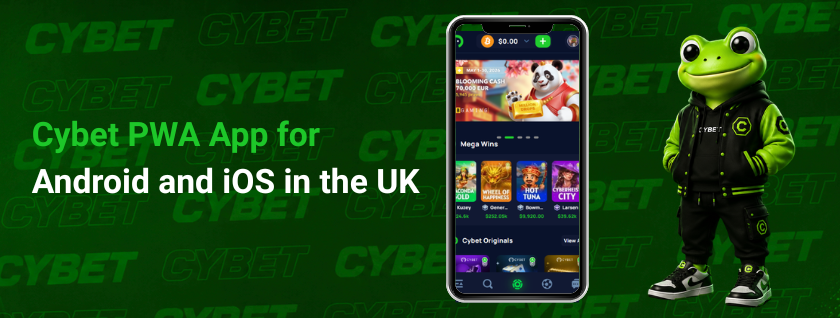
This page explains how the Cybet PWA app works for Android and iOS users in the UK. It covers the home screen setup, accessing the app via a browser, system requirements, as well as casino and sportsbook features. The page also outlines cryptocurrency payments, account management tools, and security settings.
Readers will learn how the mobile version differs from the native app, how to download casino Cybet via Safari or Chrome, and what to check before using the app to log in, top up the account, withdraw funds, claim bonuses, or play games.

What the Cybet PWA App Offers
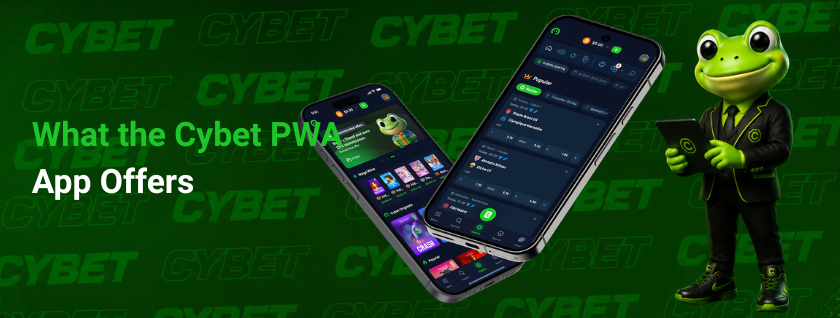
The PWA provides mobile access to the same betting and casino environment as via a browser. This format simplifies access on Android and iOS devices, as it does not require the installation of an app from the official app store.
The app interface opens from the device’s home screen, loads via the mobile browser engine, and all account-related actions are carried out within secure HTTPS sessions.
Benefits of using the Cybet app
The main benefit is quick access to casino games, sports markets, account balance, bonuses, deposits and withdrawals from a single mobile entry point.
The PWA format also makes updates easier. Product changes, interface fixes, access to games and changes to the payments page can appear via the web version without the delays associated with app store approval.
Main benefits include:
- browser based access on Android and iOS
- no APK or App Store package required
- fast access from the home screen
- account tools in one mobile interface
- support for casino, sportsbook, and payment sections
- updates through the web version
- login, email verification, and 2FA support
This setting is convenient for users who wish to access the service on their mobile devices without installing unofficial files or using third-party app packages.
System Requirements and Compatibility
System compatibility depends on having a modern mobile browser, a stable internet connection, and support for adding the app to the home screen. Android users can usually add a PWA via Chrome. iOS users can use Safari and the ‘Add to Home Screen’ option.
The process of downloading the Cybet app does not require an APK installation, sideloading or a separate file for iOS. This reduces risks to the device, as access remains within the browser’s security model.
Recommended requirements:
| Area | Requirement |
| Android | Updated Chrome browser |
| iOS | Safari browser |
| Connection | Stable internet access |
| Browser settings | Cookies and JavaScript enabled |
| Security | HTTPS access |
| Storage | Enough device storage for home screen setup |
Older browsers may still open the site, but app like behavior can be limited.
Available Games and Betting Options
The mobile version provides access to slot machines, live casino tables, game shows, original instant games and sports betting markets. The casino lobby features over 6,000 games from providers such as Evolution Gaming, Pragmatic Play, NetEnt, Nolimit City and Hacksaw Gaming.
Cybet’s original games include ‘Dice’, ‘Plinko’ and ‘Mines’. These games are based on simple rules and fast-paced rounds.
Available sections include:
- slots
- live casino tables
- game shows
- Dice
- Plinko
- Mines
- sportsbook markets
- account tools
- crypto cashier
- rewards section
The betting area covers major sports and leagues through the sportsbook section. Users can switch between casino play, live dealer content, original games, and sports betting from the same mobile account.
How to Add the Cybet PWA App to a Device
The PWA is added through the mobile browser, not through a native store package. This allows Android and iOS users to open the account area from the home screen while the service still runs through a secure web session.
For Android devices, setup usually works through Chrome:
- Open the site in Chrome.
- Sign in or create an account with an email address.
- Open the browser menu.
- Select Add to Home Screen or Install App.
- Confirm the name.
- Place the icon on the device screen.
For iPhone and iPad, setup works through Safari:
- Open the site in Safari.
- Tap the Share button.
- Select Add to Home Screen.
- Confirm the app name.
- Open the new icon from the iOS screen.
Once installed, you will need to open the saved icon once to check that you can log in, view your balance, download games and access payment options.
Payments and Security
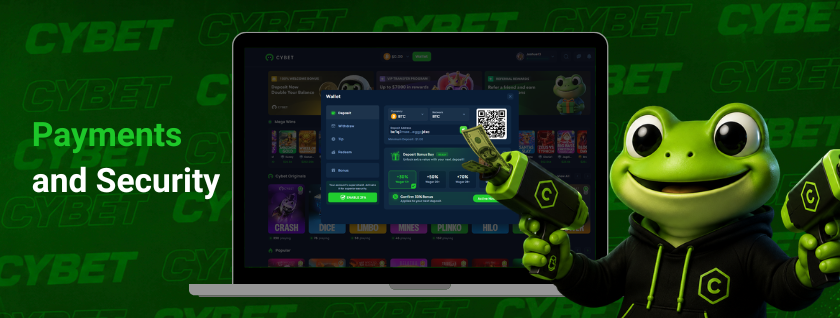
Payments in the PWA are based on cryptocurrency transfers. Users can fund and withdraw from the same mobile account after the app is added to the device home screen.
Deposits are processed from compatible crypto wallets, including self custody wallets and exchange wallets. Balances are credited after network confirmation.
Supported Deposit and Withdrawal Methods
Supported payment methods include 11 major cryptocurrencies:
| Cryptocurrency | Ticker |
| Bitcoin | BTC |
| Ethereum | ETH |
| Tether | USDT |
| USD Coin | USDC |
| Litecoin | LTC |
| Dogecoin | DOGE |
| Solana | SOL |
| TRON | TRX |
| BNB | BNB |
| XRP | XRP |
| Stellar | XLM |
USDT and USDC may be available on multiple networks. The selected chain should always match the sending wallet network before funds are transferred.
Main payment details:
- minimum deposit: $1
- no stated maximum deposit
- minimum withdrawal: $10
- no stated maximum withdrawal
- withdrawal fee: usually $1 to $3
- withdrawal timing: commonly from a few minutes to one hour
Final withdrawal timing depends on blockchain confirmation speed and internal risk checks.
Security and Account Protection
Security combines encrypted HTTPS connections, on chain transaction records, email verification, 2FA support, and internal monitoring. Withdrawal confirmation may be required by email, 2FA, or both.
Extra checks may apply when account activity changes by:
- device
- IP address
- location
- login pattern
- withdrawal behavior
- failed access attempts
Account protection also covers unusual access attempts, repeated failed logins, higher risk withdrawals, and suspected fraud. These cases may trigger temporary restrictions, extra verification, or manual review.
Registration is No KYC friendly in standard use. Identity checks may still be requested when required by law, AML controls, age protection, account ownership review, or security checks.
FAQ
The PWA can be opened without full account activity. Demo mode may be available for selected games. Registration is required for deposits, withdrawals, rewards, account balance, and protected play history. The current signup method is email based registration.
The PWA gives access to the same core account, casino, sports betting, payment, and security functions. The main difference is layout. Mobile screens use compact menus, touch controls, and home screen access. Desktop access uses a larger browser window.
The PWA requires a modern Android or iOS device, stable internet connection, Chrome on Android or Safari on iOS, enabled cookies, JavaScript, and HTTPS access. Users must also be in a region where online gambling is allowed by local rules.
Push notification support depends on the device browser and site permissions. Security actions may still use email confirmation, 2FA, or both. Payment status, withdrawal checks, and account alerts should be reviewed inside the account area when browser alerts are unavailable.
PWA issues should first be checked through browser updates, internet connection, cookies, JavaScript, and device storage. The home screen icon can be removed and added again. Account blocks or suspected hacks should be reported through live chat or [email protected] with the latest transaction hash.